Advanced Effects
A good-looking open source animation software similar to After Effects inspired on Friction, Glaxnimate, and MuseScore!
Summary
| Latest Version | Unknown |
|---|---|
| License | Unknown |
| CI Status | Failing |
| Stars | 3 |
| Forks | 0 |
| Open Issues | 0 |
| Last Commit | 2026-08-30 |
| Downloads | 0 |
| Last Indexed | 2026-09-07 06:08 |
Installation
nimble install Advanced Effects
choosenim install Advanced Effects
git clone https://gitlab.com/advanced-effects/Advanced-Effects
OS Compatibility
| Platform | Linux | macOS | Windows | FreeBSD | OpenBSD | NetBSD | Android | iOS | WASM | Embedded |
|---|---|---|---|---|---|---|---|---|---|---|
| Advanced Effects | ✓ | ✓ | ✓ | - | - | - | - | - | - | - |
Source
| Repository | https://gitlab.com/advanced-effects/Advanced-Effects |
|---|---|
| Homepage | https://gitlab.com/advanced-effects/Advanced-Effects |
| Registry Source | gitlab |
README
Advanced Effects
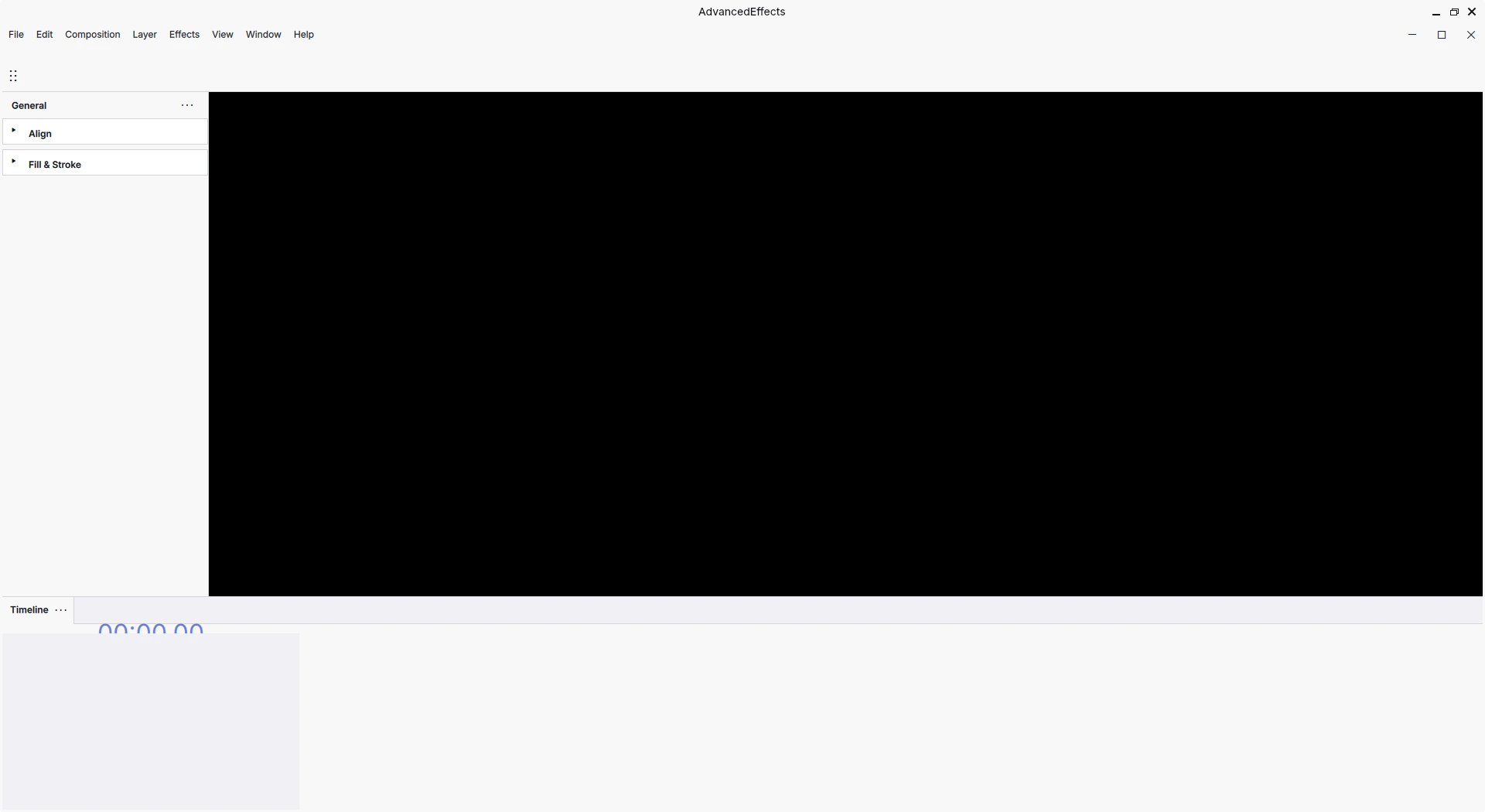
Are you a?
- YouTuber that wants to create animations for his videos?
- A Public Relations experts who wants to make an ad?
- You want to do motion graphics?
Up until now, the industry standard (and expensive) After Effects had no contestant. There are similar open source programs. - Like Friction, which has a really good UI but terrible Code. - Or Glaxnimate, which has beautiful code but terrible UI
Here arrives Advanced Effects, what aims to be the After Effects killer. A good-looking open-source animation software that couldn't be possible without Friction, Glaxnimate, and MuseScore!
- 🪥 Clean and easy-to-grasp codebase
- 🔮 Good looking
🗺️ Roadmap
- [x] 💻 A Minimal App that shows a window.
- [x] 🧭 With a Complex Navigation System.
- [x] 🎨 That shows an OpenGL canvas with Skia2D.
- [x] 📁 That can open and save project files.
- [x] 🟦 Where you can drag objects around.
- [x] 🚄 And animate them.
- [x] 🎥 And render that to a video file.
❓ Why this
The idea of developing this was born out of frustration with the current motion design software market. You can read the whole story in the Wiki
🏃 How to run
See BUILD.md file for updated build instructions.
Contributions are welcome. Do not ask to ask! Our philosophy is Talk is cheap, show me the code. If you want to work on something, just start working on it and share it with us - even if it's not complete or still has some errors.
🎨 Style guidelines
See CODING_GUIDELINES.md for a guide on how to write high-quality code for this project.
⚛️ Third party components
Advanced Effects is built on a series of components:
| Name | Location | Description |
|---|---|---|
| 🚀 Qt | system | The base framework we use for UI. |
| 🎨 Muse framework | buildscripts/cmake/SetupFramework.cmake |
A set of UI components and utilities, derived from MuseScore. See: [List of all visual components.] and [Minimal project that uses Muse framework.] |
| 🛒 Glaxnimate core | src/glax_core/ |
The core API of the application, derived from Glaxnimate. |
📂 Project structure
| Folder | Description |
|---|---|
src/ |
This is where the application code resides in. It's where you'll be 99% of the time. |
share/ |
This folder includes files that come with the application, such as the app's icons, its translation files, or Muse workspaces. |
buildscripts/ |
This includes CMake build scripts, which are things that are used to compile the app. The build process starts at the project's root CMakeLists.txt. version.cmake is where we tell Muse framework about this app's specific stuff like the application name. build.cmake is not part of the build process, it's a script to make it easier for users to compile the app, and you can use it like this: cmake -P build.cmake. |
thirdparty/ |
It's where external source code from other people is put in. It is not a good practice to manually download source code so we're moving things out of here and migrating towards using CMake's FetchContent. |
⚛️ Modules
All these modules are below src/.
| Name | Description |
|---|---|
app/ |
Where the application starts. Creates a generic QtQuick application and loads all the QML types (via loadApplicationModules and ÌModuleSetup) |
appshell/ |
Generic / common UI module (window, frame, menubar...). This is where the UI starts and where Main.qml is, and all other UI modules are imported here. |
projectscene/ |
Where most of the actual application-specific UI resides in. Also notable: IProjectFilesController. |
context/ |
Application module where STATE or DATA is stored in. Almost every other module imports context/. It never SETS or GETS the data - other modules do - it only STORES the data. Access currently-selected document: IGlobalContext, get currently selected frame: IPlaybackContext, etc. |
glax_core/ |
This module is a fork of Glaxnimate's object API, imported into Advanced Effects. If AE was a car, this would be the engine. Contains things like Document, Composition, or Shape. NO UI. |
canvas/ |
Contains UI code for the Application's canvas. Notably: ViewLayer, ApplicationCanvas. |
video_render/ |
Contains code for video export. |
❤️ Credits
- The UI is inspired on After Effects and, mostly, MuseScore.
- The codebase is inspired on Akira and Glaxnimate.
- Experience was gained contributing to Friction/enve2d.
- The template used is: https://github.com/emericg/QmlAppTemplate
Thanks to all who made this possible :heart: (rodlie, MaurycyLiebner, Alecadd, MuseScore team, emericg) and the Friction community.