delight
Engine-agnostic library for computing 2D raycasted lights
Summary
| Latest Version | 0.1.0 |
|---|---|
| License | MIT |
| CI Status | Failing |
| Downloads | 0 |
| Last Indexed | 2026-09-01 07:17 |
Tags
Authors
- liquid600pgm
Installation
nimble install delight
choosenim install delight
git clone https://github.com/liquid600pgm/delight
OS Compatibility
| Platform | Linux | macOS | Windows | FreeBSD | OpenBSD | NetBSD | Android | iOS | WASM | Embedded |
|---|---|---|---|---|---|---|---|---|---|---|
| delight | ✓ | ✓ | ✓ | - | - | - | - | - | - | - |
Dependencies
| Package | Version | Optional |
|---|---|---|
| nim >= | 1.0.4 | No |
| glm >= | 1.1.1 | No |
Source
| Repository | https://github.com/liquid600pgm/delight |
|---|---|
| Homepage | https://github.com/liquid600pgm/delight |
| Registry Source | nimble_official |
README
delight
An engine-agnostic library for computing 2D raycasted lights.
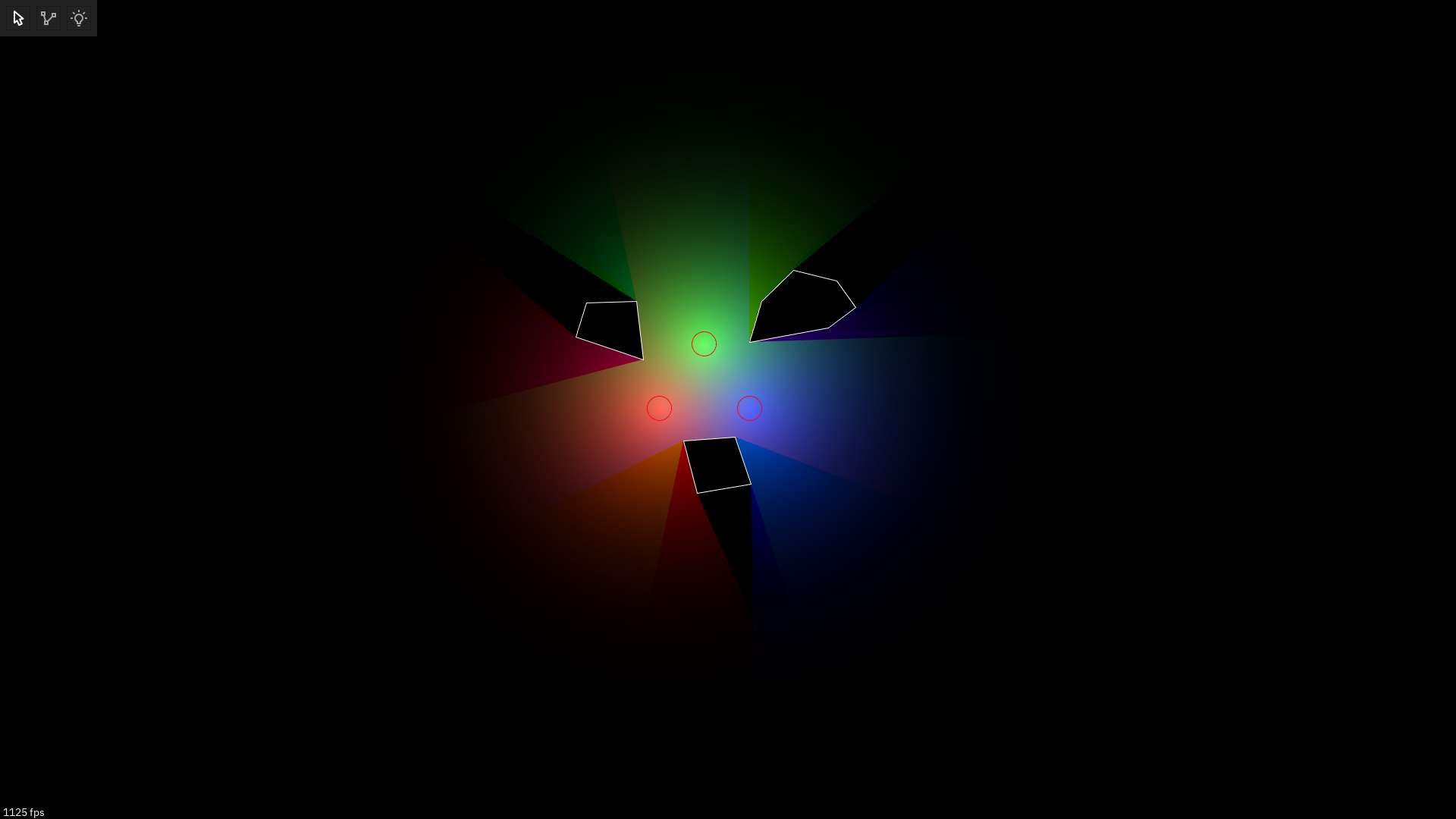
Installing
By adding to your .nimble file
requires "delight >= 0.1.0"
Via command-line
$ nimble install delight
Usage
Let's start with some boilerplate:
import delight
import glm

proc rectangle(x, y, w, h: float): array[4, LineSegment] =
  result = [
    (a: vec2(x, y),         b: vec2(x + w, y)),
    (a: vec2(x + w, y),     b: vec2(x + w, y + h)),
    (a: vec2(x + w, y + h), b: vec2(x, y + h)),
    (a: vec2(x, y + h),     b: vec2(x, y)),
  ]

let light = vec2(32.0, 32.0)
var segments: seq[LineSegment]

# We need to add a rectangle as a bounding box for our rays. This is usually
# your window's bounding box, but if the light has attenuation and is drawn as a
# textured rectangle, the bounding box would be that rectangle
segments.add rectangle(0, 0, 800, 600)
# Then, we can add an object that will cast a shadow
segments.add rectangle(64, 64, 64, 64)
We can then use one of the two available APIs to get the triangles representing the area lit by the light:
proc drawTriangle(tri: Triangle) =
  discard # triangle drawing magic goes here

# The iterator version
for tri in raycast(light, segments):
  drawTriangle(tri)

# The procedure version
let triangles = raycast(light, segments)
Which one you should choose depends on your use case: - The procedure version can yield more performance. You can "bake" the lit area, and draw it until the light/segments update. Then you raycast again. This is most useful for static objects like props. - The iterator version uses less memory, because it does not allocate a sequence. However, calling it each frame is going to be slower than caching the sequence returned by the procedure version. This is most useful for dynamic objects like sprites.
Here's a complete example using rapid with the iterator version:
import delight
import rapid/gfx

proc rectangle(x, y, w, h: float): array[4, LineSegment] =
  result = [
    (a: vec2(x, y),         b: vec2(x + w, y)),
    (a: vec2(x + w, y),     b: vec2(x + w, y + h)),
    (a: vec2(x + w, y + h), b: vec2(x, y + h)),
    (a: vec2(x, y + h),     b: vec2(x, y)),
  ]

var segments: seq[LineSegment]

segments.add rectangle(0, 0, 800, 600)
segments.add rectangle(64, 64, 64, 64)

var
  win = initRWindow()
    .size(800, 600)
    .title("example")
    .open()
  surface = win.openGfx()

surface.loop:
  draw ctx, step:
    ctx.clear(gray(0))
    ctx.begin()
    let light = vec2(win.mouseX, win.mouseY)
    for tri in raycast(light, segments):
      ctx.tri((tri.a.x, tri.a.y), (tri.b.x, tri.b.y), (tri.c.x, tri.c.y))
    ctx.draw()
  update: discard
The library also exposes some lower-level procedures, namely intersect and
findIntersection. These can be used to implement a DOOM-like raycasting
renderer. Refer to the documentation for details on what these procedures do.