imgcat
This utility prints pictures in your console
Summary
| Latest Version | 1.3 |
|---|---|
| License | MIT |
| CI Status | Failing |
| Downloads | 0 |
| Last Indexed | 2026-09-01 07:18 |
Tags
Authors
- not-lum
Installation
nimble install imgcat
choosenim install imgcat
git clone https://github.com/not-lum/imgcat
OS Compatibility
| Platform | Linux | macOS | Windows | FreeBSD | OpenBSD | NetBSD | Android | iOS | WASM | Embedded |
|---|---|---|---|---|---|---|---|---|---|---|
| imgcat | ✓ | ✓ | ✓ | - | - | - | - | - | - | - |
Dependencies
| Package | Version | Optional |
|---|---|---|
| nim >= | 1.0.0 | No |
| imageman | 0.8.2 | No |
| argparse | 3.0.0 | No |
Source
| Repository | https://github.com/not-lum/imgcat |
|---|---|
| Homepage | https://github.com/not-lum/imgcat |
| Registry Source | nimble_official |
README

imgcat
This utility prints pictures in your console


Installation
You can install it via nimble:
$ nimble install imgcat
Usage
To print an image write:
$ imgcat <IMAGENAME>
To get help write:
$ imgcat --help
Utils
You can also use imgcat as a Nim library:
import imgcatpkg/utils

echo $imgcat("imagename.png",
            pattern="NIM",
            width=0,
            height=0,
            black_and_white=false,
            transparency=false)
Pixel type:
type
  PixelKind* = enum
    rgbPixel,
    bwpixel,
    transparentPixel,
    newLine
  Pixel* = object
    case kind*: PixelKind
      of rgbPixel:
        r*: uint8
        g*: uint8
        b*: uint8
        rgbPattern*: string
      of bwPixel:
        black*: bool
        bwPattern*: string
      of transparentPixel:
        discard
      of newLine:
        discard
imgcat proc:
proc imgcat*(imagename: string;
             pattern="█";
             width=(-1);
             height=(-1);
             black_and_white=false;
             transparency=false): seq[Pixel]
$ operators
proc `$`*(pixel: Pixel): string
proc `$`*(pixels: seq[Pixel]): string
Gallery
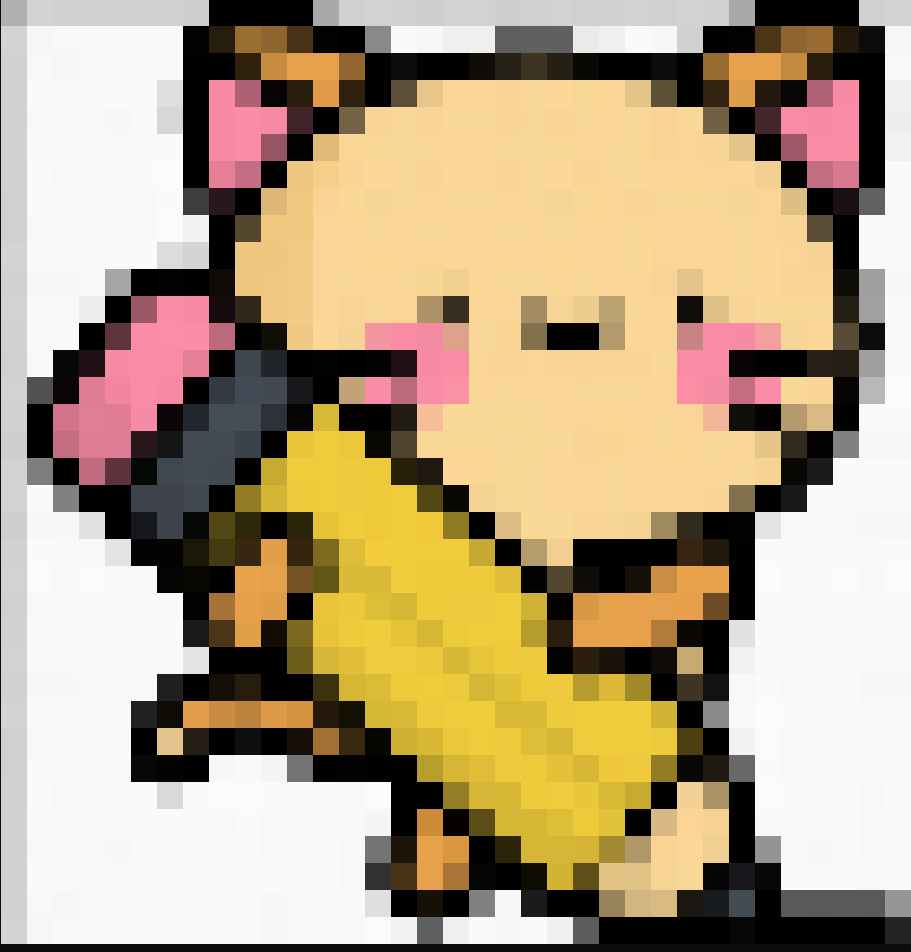
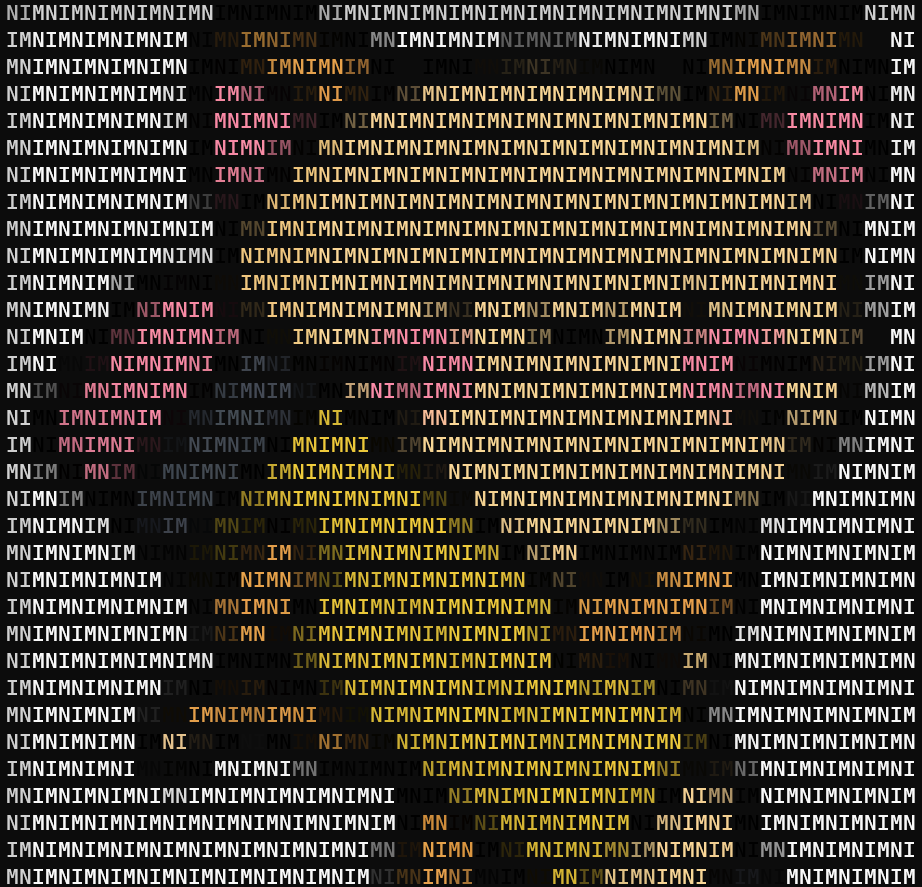
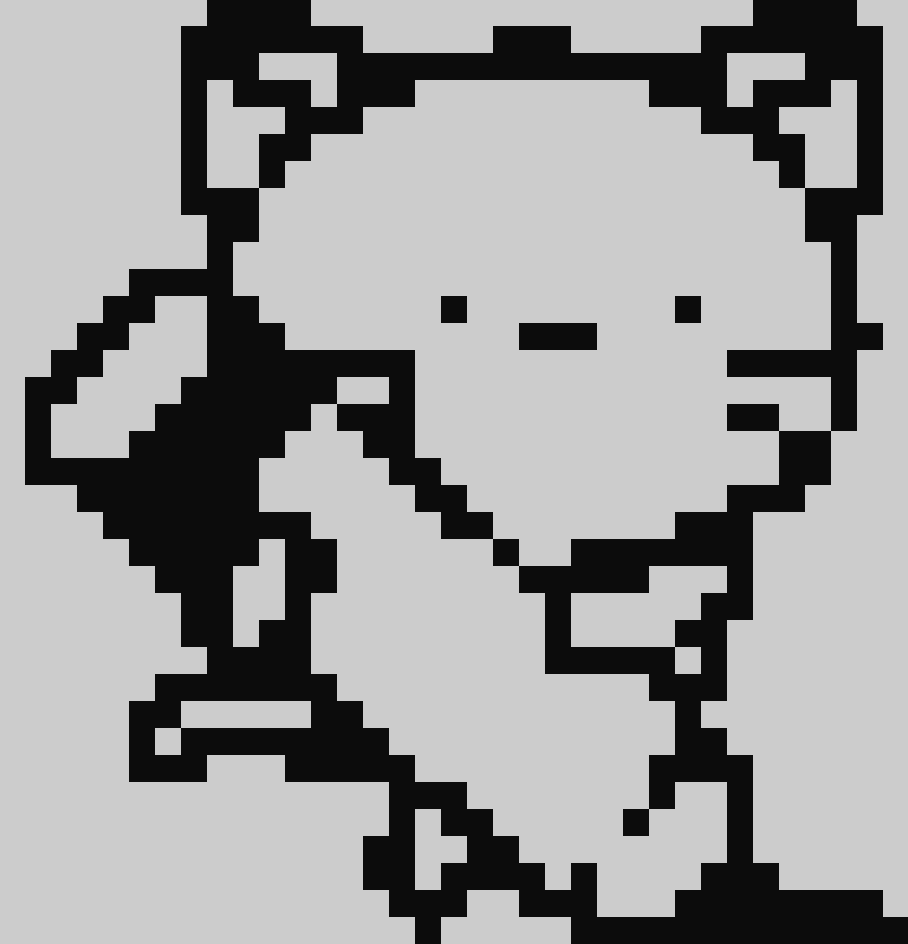
Icon made by Freepik from www.flaticon.com