MinimalBrowser
a minimal browser for minimalist people
Summary
| Latest Version | Unknown |
|---|---|
| License | Unknown |
| CI Status | Failing |
| Stars | 1 |
| Forks | 0 |
| Open Issues | 0 |
| Last Commit | 2026-07-05 |
| Downloads | 0 |
| Last Indexed | 2026-08-01 04:44 |
Installation
nimble install MinimalBrowser
choosenim install MinimalBrowser
git clone https://gitlab.com/stonecoding1/MinimalBrowser
OS Compatibility
| Platform | Linux | macOS | Windows | FreeBSD | OpenBSD | NetBSD | Android | iOS | WASM | Embedded |
|---|---|---|---|---|---|---|---|---|---|---|
| MinimalBrowser | ✓ | ✓ | ✓ | - | - | - | - | - | - | - |
Source
| Repository | https://gitlab.com/stonecoding1/MinimalBrowser |
|---|---|
| Homepage | https://gitlab.com/stonecoding1/MinimalBrowser |
| Registry Source | gitlab |
README
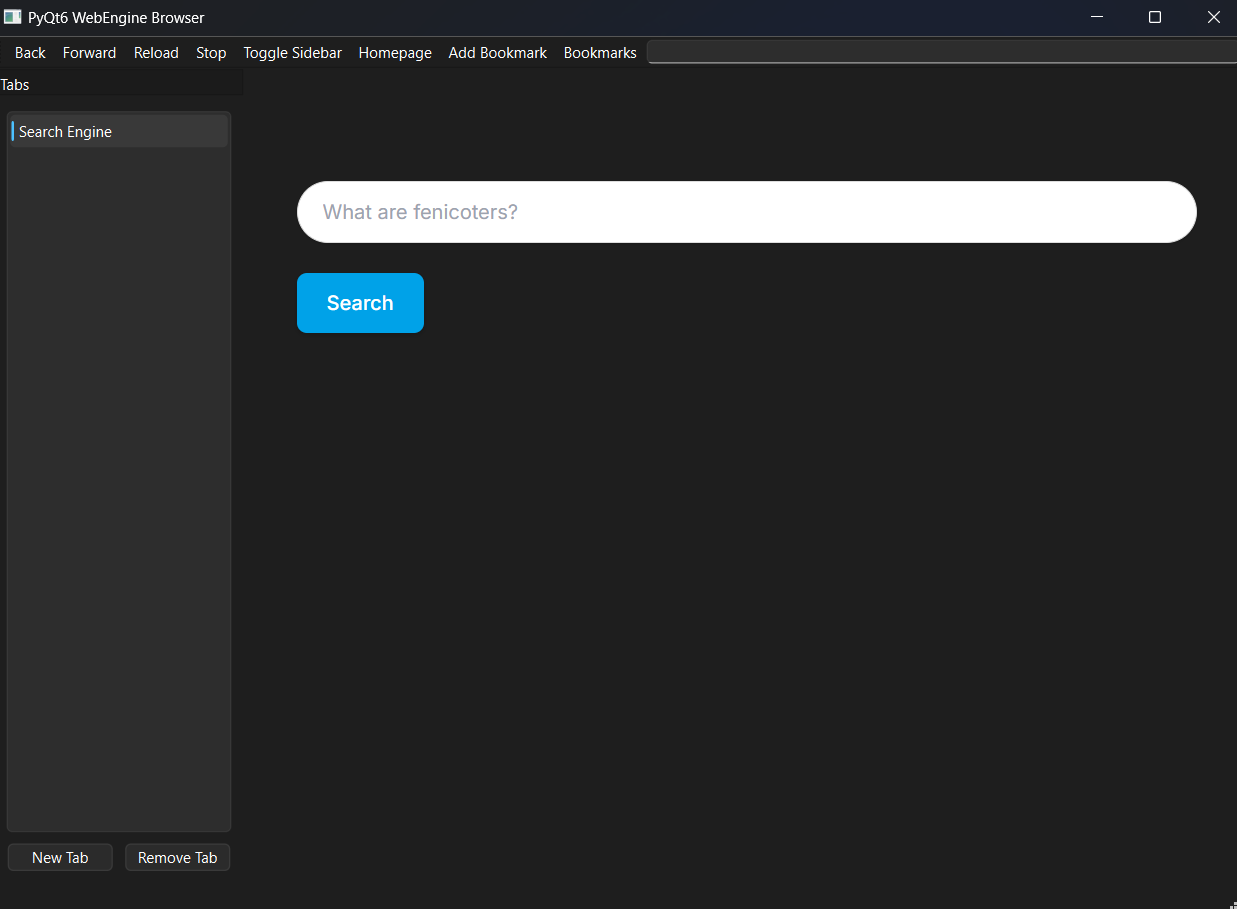
MinimalBrowser
a non-ish chromium minimal browser
https://minimalsite-zeta.vercel.app

How to install
Windows Guide
Go to This link and execute the file :D
Linux Guide
Universal Guide
clone the release of the linux app by doing
go tò the latest release and install the browser_linux file
"Bash" Way Guide
This way is not uptated regurally beacuse we left Github where the files are uploaded, please use other ways to download and execute the program
now using bash you have two options: To use The Safe Way And Review the Code manually by doing:
curl -o install.bash https://stonecode-assets.netlify.app/install_ubuntu.bash
less install.bash
chmod +x install.bash
./install.bashi: if you are suing fedora do
curl -o install.bash https://stonecode-assets.netlify.app/install_fedora.bashand then do the others commands
Or You can use the not very safe but quick way by doing
curl -s https://stonecode-assets.netlify.app/install_ubuntu.bash | bashIf you are using fedora do
curl -s https://stonecode-assets.netlify.app/install_fedora.bash | bashi: Is better to use the safe way so you can see for issues or maybe some viruses since i have the weakiest password ever
Python Guide
Clone the repo
frist you have to clone the py file by doing
git clone https://github.com/mada748/MinimalBrowser
Install venv
do
sudo apt updateandsudo apt install python3-venvor if you are on Windowspython -m venv venv, navigate to Scripts inside the new Venv folder and write activate. (make sure you have python installed)
executing venv (on linux)
for executing venv you need to run
python3 -m venv my_envandsource my_env/bin/activate
Downloading dependinces
since this project doesn't use only python you have to install some dipencies by doing
pip install requirments.txt
Run the program :D
everthing is set up for running just run
python3 browser.py
Things not implemented yet
Bookmarks saving Session token saving