nimitheme
Make nimib look beautiful with nimitheme
Summary
| Latest Version | 0.4.0 |
|---|---|
| License | MIT |
| CI Status | Failing |
| Downloads | 0 |
| Last Indexed | 2026-08-30 07:10 |
Tags
Authors
- niko
Installation
nimble install nimitheme
choosenim install nimitheme
git clone https://github.com/neroist/nimitheme
OS Compatibility
| Platform | Linux | macOS | Windows | FreeBSD | OpenBSD | NetBSD | Android | iOS | WASM | Embedded |
|---|---|---|---|---|---|---|---|---|---|---|
| nimitheme | ✓ | ✓ | ✓ | - | - | - | - | - | - | - |
Dependencies
| Package | Version | Optional |
|---|---|---|
| nim >= | 1.4.0 | No |
| nimib | - | No |
Source
| Repository | https://github.com/neroist/nimitheme |
|---|---|
| Homepage | https://neroist.github.io/nimitheme/index.html |
| Registry Source | nimble_official |
README
nimitheme
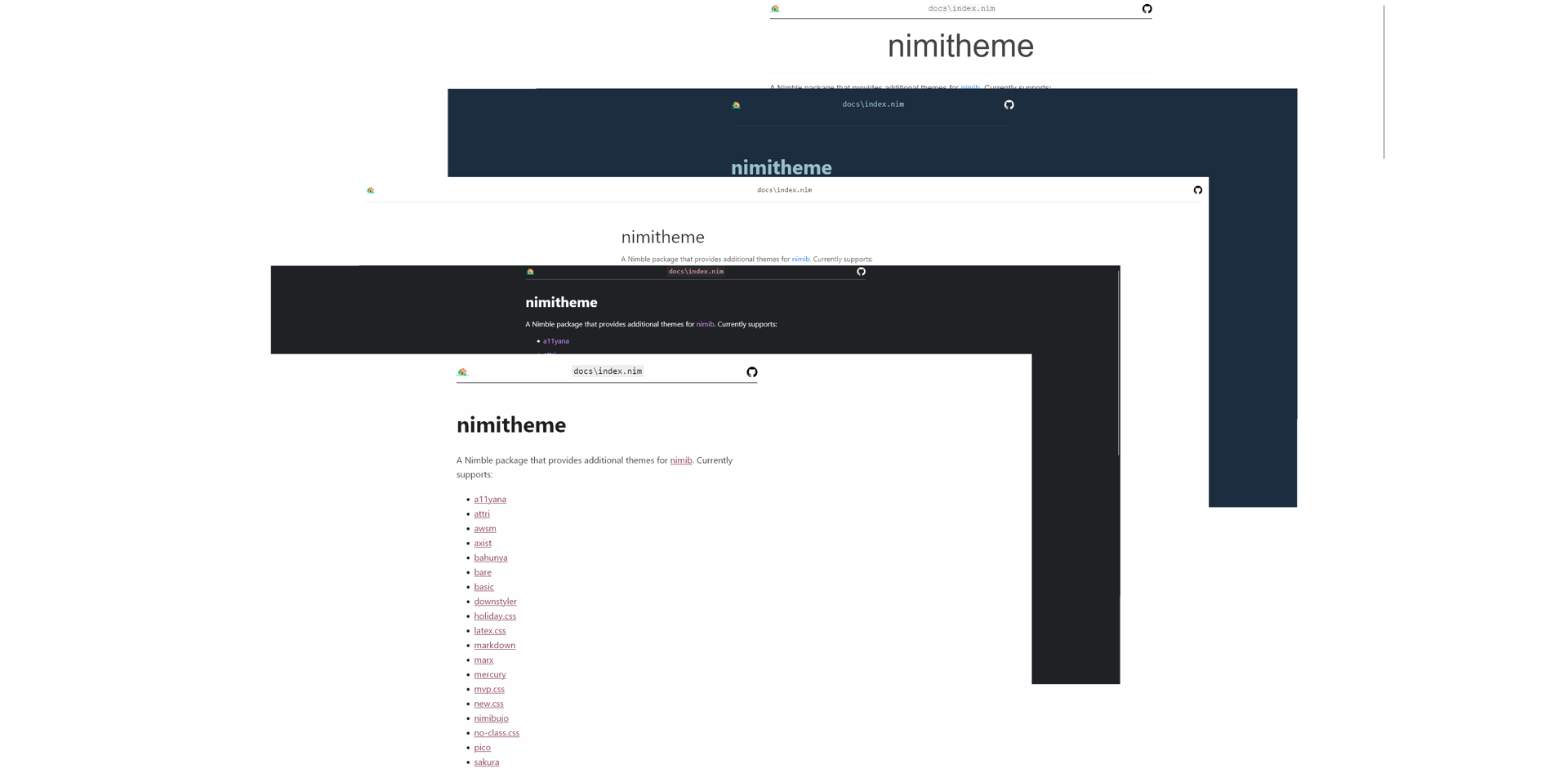
Make nimib look beautiful with nimitheme
Nimitheme is a Nimble package that provides additional themes for nimib.
You can view the index of all the themes available in nimitheme here: https://neroist.github.io/nimitheme/themes.
In addition, support for Dark Reader and highlight.js are available.
Installation
Execute this command in a terminal or shell:
nimble install nimitheme
Usage
Either pass the theme into nbInit like so:
nbInit(useAwsmBigStone)
or call the function directly:
nbInit

nb.useAwsmBigStone()
Dark Reader Support
You can enable Dark Reader in your nimib document by calling useDarkReader
on the nb variable injected by nbInit, like so:
nb.useDarkReader()
Highlight.js support
You can also further stylize your code via setting a specific highlight.js
code theme (outside of Android Dark and Atom One light). You can do this by
using the highlight= template. For example, you can do something like this:
nb.highlight = materialPalenight
to set the highlight.js theme your nimib document uses.
All highlight.js themes are available (see
highlight_js.nim).
For themes that have the same name as a base16 theme, the base16 theme's
name is postfixed with _base16.
Edit CSS Variables
Many CSS libraries that nimitheme uses allow you to customize the style of
your document using CSS variables the user can manually set. Nimitheme allows
you to set such variables via the setCssVar template. For example, you can
do stuff like this:
nbInit(useTerminal)

nb.setCssVar("global-font-size", "16px")

# Set multiple variables at once
nb.setCssVar({
  "primary-color": "purple",
  "secondary-color": "pink"
})
License
This project is licensed under the MIT license.