nimppt
A simple and elegant presentation generator
Summary
| Latest Version | 0.1.1 |
|---|---|
| License | MIT |
| CI Status | Failing |
| Downloads | 0 |
| Last Indexed | 2026-08-27 06:49 |
Tags
Authors
- Artur Z
Installation
nimble install nimppt
choosenim install nimppt
git clone https://github.com/HUSKI3/Nimppt
OS Compatibility
| Platform | Linux | macOS | Windows | FreeBSD | OpenBSD | NetBSD | Android | iOS | WASM | Embedded |
|---|---|---|---|---|---|---|---|---|---|---|
| nimppt | ✓ | ✓ | ✓ | - | - | - | - | - | - | - |
Dependencies
| Package | Version | Optional |
|---|---|---|
| nim >= | 1.6.12 | No |
| markdown >= | 0.8.7 | No |
| pylib >= | 0.4.0 | No |
| nimja >= | 0.8.7 | No |
| jester | - | No |
| cligen | - | No |
Source
| Repository | https://github.com/HUSKI3/Nimppt |
|---|---|
| Homepage | https://github.com/HUSKI3/Nimppt |
| Registry Source | nimble_official |
README
Nimppt
Nimppt is a simple presentation generator that uses Markdown syntax
Table of Contents
Introduction
This is a simple presentation generator written in Nim. It takes a markdown file and starts a web server with the presentation.
Features
- Easy configuration
- Hassle free
- Automatically formatted
Usage
Using nimppt is simple
First you need to create a markdown file which will have the slides and content of the presentation.
# Title
Body
- list item 1
- list item 2
> Description

---
Note that we use --- to delim the slides.
You can also add custom css by doing the following
---
p { color: red; }
--css--
Then you can start nimppt with the following:
# Host the web server
$ ./nimppt -f your_presentation.md

# Do a speed test
$ time ./nimppt -f your_presentation.md --speed_test
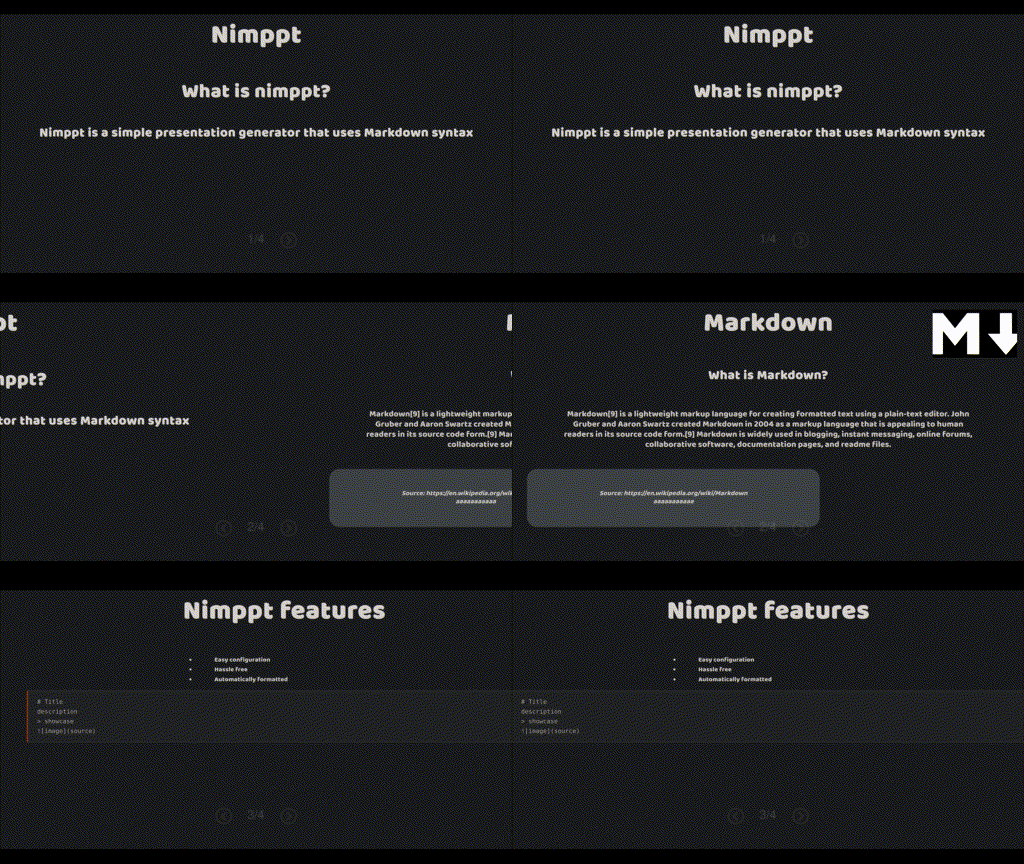
Output!
Installation
Easiest way to get started is by installing the binary from the releases. A better solution is to do the following:
$ git clone https://github.com/HUSKI3/Nimppt.git
$ nimble install
Modifying Nimppt
Modifying nimppt is easy, all you need to do is clone the repository, and change the base.html file!
$ git clone https://github.com/HUSKI3/Nimppt.git
# To build
$ nimble build
# To run tests
$ nimble test