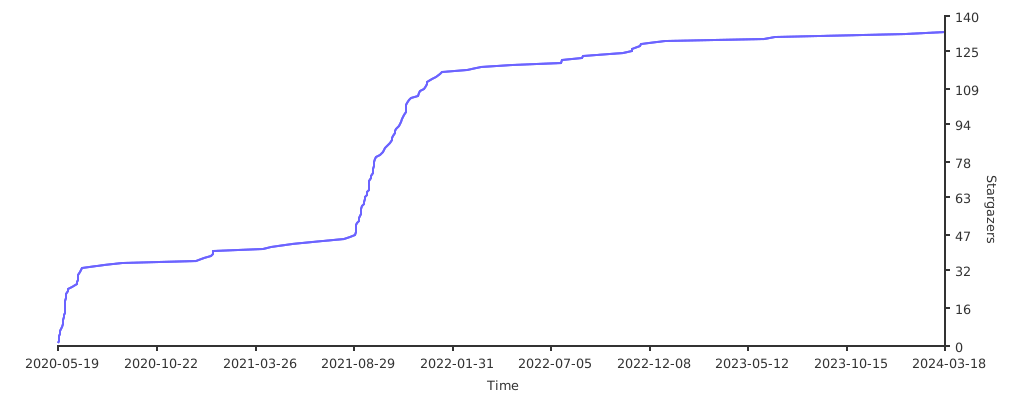
nodesnim
The Nim GUI/2D framework based on OpenGL and SDL2.
Summary
| Latest Version | 0.4.2 |
|---|---|
| License | MIT |
| CI Status | Failing |
| Downloads | 0 |
| Last Indexed | 2026-09-01 07:17 |
Tags
Authors
- Ethosa
Installation
nimble install nodesnim
choosenim install nodesnim
git clone https://github.com/Ethosa/nodesnim
OS Compatibility
| Platform | Linux | macOS | Windows | FreeBSD | OpenBSD | NetBSD | Android | iOS | WASM | Embedded |
|---|---|---|---|---|---|---|---|---|---|---|
| nodesnim | ✓ | ✓ | ✓ | - | - | - | - | - | - | - |
Source
| Repository | https://github.com/Ethosa/nodesnim |
|---|---|
| Homepage | https://github.com/Ethosa/nodesnim |
| Registry Source | nimble_official |
README
 The Nim GUI/2D framework based on OpenGL and SDL2.
[](https://github.com/ellerbrock/open-source-badges/)
[](https://github.com/Ethosa/yukiko/blob/master/nim-lang.svg)
[](https://github.com/Ethosa/nodesnim/blob/master/LICENSE)
[](https://wakatime.com/badge/github/Ethosa/nodesnim)
[](https://github.com/Ethosa/nodesnim/actions)
[](https://t.me/nim1love)
[](https://t.me/nodesnim)
The Nim GUI/2D framework based on OpenGL and SDL2.
[](https://github.com/ellerbrock/open-source-badges/)
[](https://github.com/Ethosa/yukiko/blob/master/nim-lang.svg)
[](https://github.com/Ethosa/nodesnim/blob/master/LICENSE)
[](https://wakatime.com/badge/github/Ethosa/nodesnim)
[](https://github.com/Ethosa/nodesnim/actions)
[](https://t.me/nim1love)
[](https://t.me/nodesnim)
Stable version - 0.4.2
Install
- Install Nodesnim
- Stable:
bash nimble install nodesnim@#master - Nightly:
bash nimble install nodesnim@#nightly - Install dependencies
- Linux (tested on Ubuntu and Mint):
sudo apt install --fix-missing -y libsdl2-dev libsdl2-image-dev libsdl2-mixer-dev libsdl2-ttf-dev
- Windows / MacOS:
- SDL2
- SDL2_image
- SDL2_mixer
- SDL2_ttf
- Put Runtime binaries in the
.nimble/bin/folder
Features
- Godot-like node system.
- Runtime scene loader.
- Powerful node build system using YML-like syntax.
- Stylesheets (CSS-like).
- Android-like drawables.
- Customizable GUI themes.
- Simple usage ```nim import nodesnim
Window("Hello, world!")
build: - Scene scene: - Label hello: call: setSizeAnchor(1, 1) setTextAlign(0.5, 0.5, 0.5, 0.5) setText("Hello, world!") setBackgroundColor(Color(31, 45, 62))
addMainScene(scene) windowLaunch()
```
Now available
This section contains links to documentation for all nodes. |Core |Default nodes |Control nodes |2D Nodes |3D Nodes |Graphics | |:--: |:--: |:--: | :--: |:--: |:--: | |Anchor |Node |Control |Node2D |Node3D |Drawable | |Color |Canvas |ColorRect |Sprite |GeometryInstance|GradientDrawable| |Font |Scene |TextureRect |AnimatedSprite |Camera3D | | |Enums |AudioStreamPlayer|Label |YSort |Sprite3D | | |Exceptions |AnimationPlayer |Button |CollisionShape2D| | | |Image | |EditText |Camera2D | | | |Input | |Box |TileMap | | | |Rect2 | |HBox | | | | |Vector2 | |VBox | | | | |Circle2 | |GridBox | | | | |Polygon2 | |Scroll | | | | |AudioStream | |ProgressBar | | | | |Animation | |Slider | | | | |Vector3 | |Popup | | | | |SceneBuilder| |TextureButton | | | | |StyleSheet | |TextureProgressBar| | | | |TileSet | |Counter | | | | |ChartData | |Switch | | | | |Scripts | |SubWindow | | | | |Scene loader| |CheckBox | | | | | | |ToolTip | | | | | | |Chart | | | |
Debug mode
For use debug mode you should compile with -d:debug or --define:debug, e.g. nim c -r -d:debug main.nim.
Export
Use the Nim compiler user guide for export to the other OS.
Static linking SDL2
Also use niminst tool for generate an installer
- CrossPlatform export for Windows (tested on Windows 7 x64 and Windows 10 x64)
nim c -d:mingw -d:release --opt:speed --noNimblePath file.nim- put Runtime binaries in the folder with the program.
Screenshots