crap
`rm` files without fear
Summary
| Latest Version | 0.2.3 |
|---|---|
| License | MIT |
| CI Status | Failing |
| Downloads | 0 |
| Last Indexed | 2026-08-26 06:47 |
Tags
Authors
- Anirudh
Installation
nimble install crap
choosenim install crap
git clone https://github.com/icyphox/crap
OS Compatibility
| Platform | Linux | macOS | Windows | FreeBSD | OpenBSD | NetBSD | Android | iOS | WASM | Embedded |
|---|---|---|---|---|---|---|---|---|---|---|
| crap | ✓ | ✓ | ✓ | - | - | - | - | - | - | - |
Dependencies
| Package | Version | Optional |
|---|---|---|
| nim >= | 0.18.0 | No |
Source
| Repository | https://github.com/icyphox/crap |
|---|---|
| Homepage | https://github.com/icyphox/crap |
| Documentation | View Documentation |
| Registry Source | nimble_official |
README

rmfiles without fear
Why?
Ever rmed a file and instantly regretted it? Fear not, for crap is here.
How?
crap follows the FreeDesktop.org Trash spec. So instead of perma-deleting your file, crap moves it to the $XDG_DATA_HOME/Trash folder. If this environment variable isn't set, it defaults to ~/.local/share/Trash.
And obviously, this works only on Linux.
Installation
$ nimble install crap
or download the binary from the Releases page.
Tip
Alias crap to rm in your .bashrc/.zshrc. But that's kinda the point.
Usage
$ crap foo.png

$ crap *.png

$ crap a.pdf b.jpg c.mp4
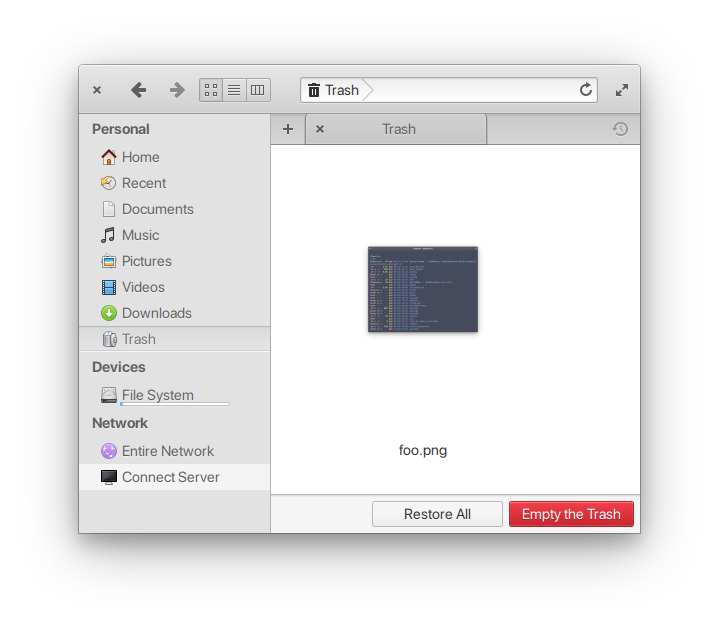
Aaannddd it'll show up in your file manager's Trash.
API
This package exposes a single proc: crap(path: var string)
import crap

crap("~/Pictures/*")
TODO
- [x] support multiple files
- [x] trashing dirs
- [ ] support for other OSs (idk maybe)
Prior art
Contributing
Bad code? New feature in mind? Open an issue. Better still, learn Nim and shoot a PR :sparkles:
License
MIT © Anirudh Oppiliappan