nimsvg
Nim-based DSL allowing to generate SVG files and GIF animations.
Summary
| Latest Version | 0.2.0 |
|---|---|
| License | MIT |
| CI Status | Failing |
| Downloads | 0 |
| Last Indexed | 2026-09-02 07:21 |
Tags
Authors
- Fabian Keller
Installation
nimble install nimsvg
choosenim install nimsvg
git clone https://github.com/bluenote10/NimSvg
OS Compatibility
| Platform | Linux | macOS | Windows | FreeBSD | OpenBSD | NetBSD | Android | iOS | WASM | Embedded |
|---|---|---|---|---|---|---|---|---|---|---|
| nimsvg | ✓ | ✓ | ✓ | - | - | - | - | - | - | - |
Dependencies
| Package | Version | Optional |
|---|---|---|
| nim >= | 1.2 | No |
Source
| Repository | https://github.com/bluenote10/NimSvg |
|---|---|
| Homepage | https://github.com/bluenote10/NimSvg |
| Documentation | View Documentation |
| Registry Source | nimble_official |
README
NimSvg 
Nim-based DSL allowing to generate SVG files and GIF animations.
DSL
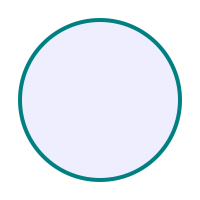
NimSvg is inspired by Karax, and offers a similar DSL to generate SVG trees. A simple hello world
import nimsvg

buildSvgFile("examples/basic1.svg"):
  svg(width=200, height=200):
    circle(cx=100, cy=100, r=80, stroke="teal", `stroke-width`=4, fill="#EEF")
produces the following SVG:
<?xml version="1.0" encoding="UTF-8" ?>
<!DOCTYPE svg PUBLIC "-//W3C//DTD SVG 1.1//EN" "http://www.w3.org/Graphics/SVG/1.1/DTD/svg11.dtd">
<svg width="200" height="200">
  <circle cx="100" cy="100" r="80" stroke="teal" stroke-width="4" fill="#EEF"/>
</svg>
Output:
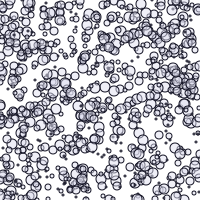
The DSL allows to mix tag expressions with regular Nim expressions like variable definitions, for loops, or if statements, which makes it easy to generate SVGs programmatically:
import nimsvg, random

buildSvgFile("examples/basic2.svg"):
  let size = 200
  svg(width=size, height=size):
    for _ in 0 .. 1000:
      let x = rand(size)
      let y = rand(size)
      let radius = rand(5)
      circle(cx=x, cy=y, r=radius, stroke="#111122", fill="#E0E0F0", `fill-opacity`=0.5)
Output:
NimSvg also allows to render a sequence of SVG files into an animated GIF (requires Imagemagick for the rendering):
import nimsvg

let settings = animSettings("filenameBase", backAndForth=true)
let numFrames = 100

settings.buildAnimation(numFrames) do (i: int) -> Nodes:
  let w = 200
  let h = 200
  buildSvg:
    svg(width=w, height=h):
      let r = 0.4 * w.float * i.float / numFrames.float + 10
      circle(cx=w/2, cy=h/2, r=r, stroke="#445", `stroke-width`=4, fill="#EEF")
Output:

Special syntax
-
t: Thetkeyword can be used to create text nodes:nim let svg = buildSvg: text(x=0, y=0): t "Hello World" -
embed: The embed keyword can be used to embed the result of other nodes. ```nim proc sub(): Nodes = buildSvg: b() c()
let svg = buildSvg:
# produces tags
Gallery
Click on an image to see the corresponding implementation.
 |
 |
 |
|---|---|---|
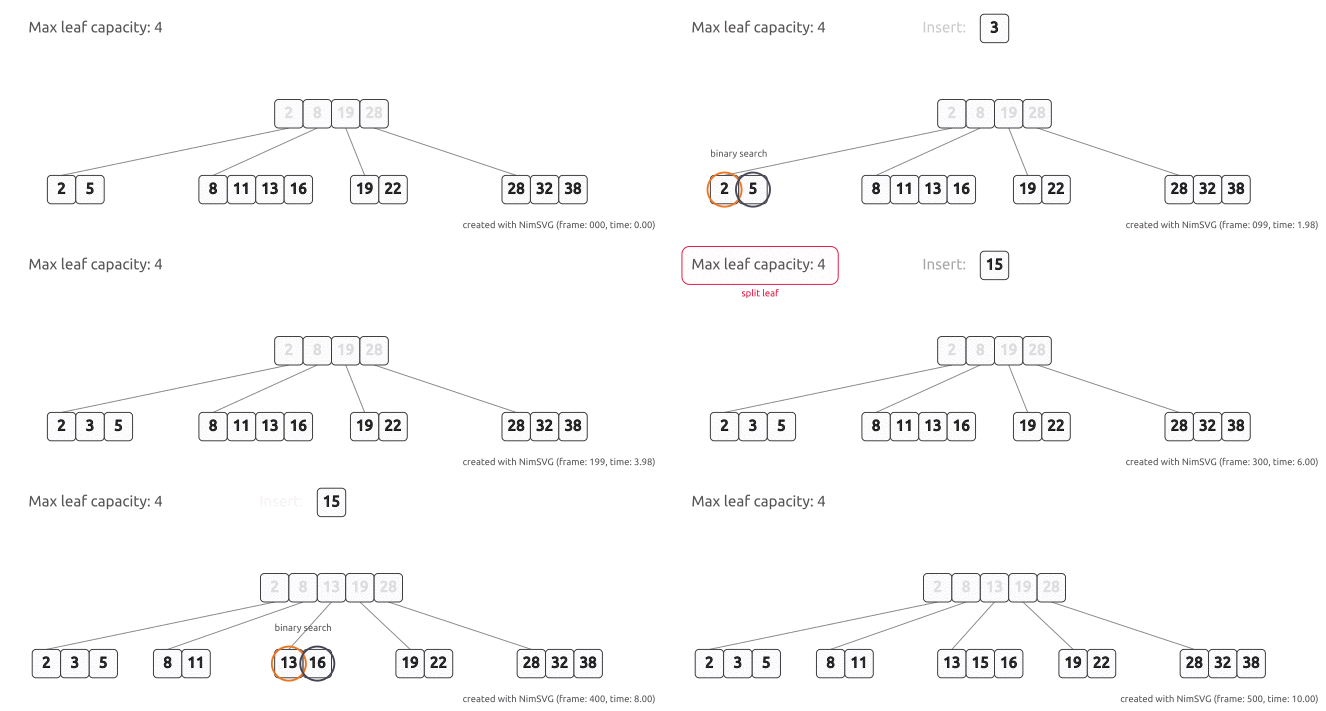
Example algorithm visualization of rust-array-stump: